Program Details

150+ Hours Instructor-Led Sessions
60+ Hours of Self-Paced Videos
200+ Hands-On Exercises
175+ Hours of Learning
10+ Real-World Projects
Well Structured Curriculum
30+ Hours of Problem-Solving Sessions
Numrous Hackathons and Mock Interviews
25+ Auto-Graded Assessments
30+ Hours of Career Coaching

Master Canva for Professional Web Graphics

CanvaCanva Pro
Pricing Plans

Our Comprehensive & Training Options Pricing Plans

Standard Plan

One-Time Payment

35k+GST

Trainings + Tool access (Life time) + Internal projects

Choose Package
Value Add Plan

Partial Payment

50k+GST

+ + Stipend

Choose Package
Comprehensive Plan

Advance Package

80k+GST

+ + Laptop

Choose Package
Premium Plan

Complete Package

99k+GST

+ + Placement Support

Choose Package
Graphic Design Simplified

Master Canva for Professional Web Graphics

step 01
Canva Fundamentals

Navigate Canva's interface, understand design principles, and set up your workspace for web graphics.

step 02
Social Media Graphics

Create eye-catching banners, posts, and stories optimized for Instagram, Facebook, and Twitter.

step 03
Website Elements

Design professional headers, footers, buttons, and hero images for websites.

step 04
Branding Kits

Develop consistent brand identities with color palettes, font pairings, and logo variations.

step 05
Presentation Design

Create stunning slide decks with professional templates and animated elements.

step 06
Advanced Techniques

Master photo editing, transparency effects, and combining multiple design elements.

step 07
Animation & Video

Create animated graphics and short videos for web and social media.

step 08
Collaboration & Export

Learn team collaboration features and export designs in web-optimized formats.
We Provide

Course Journey

Foundations

  • Canva Interface Mastery
  • Design Principles & Color Theory
  • Typography Essentials
  • Basic Graphic Creation

Web Graphics

  • Social Media Graphics
  • Website Banners & Headers
  • Email Newsletter Designs
  • Digital Ad Creatives
  • Infographics & Data Visualization

Advanced Techniques

  • Brand Kit Development
  • Animation Basics
  • Collaborative Design
  • Advanced Layout Techniques

Portfolio Development

  • Real-world Design Projects
  • Client Brief Simulations
  • Portfolio Presentation
  • Personal Branding

Career Support

  • Freelancing Guide
  • Client Acquisition Strategies
  • Pricing Your Services
  • Design Business Basics
  • Ongoing Design Community Access

Skills You'll Master

Master Canva's interface and design tools

Create stunning social media graphics for all platforms

Design professional website banners and headers

Work with templates and customize them effectively

Understand color theory and typography principles

Create brand kits for consistent visual identity

Design infographics and data visualizations

Optimize graphics for web performance

Export assets in multiple formats (PNG, JPG, SVG)

image
Bootcamp

Canva for Web Graphics

Module 1: Canva Fundamentals

  • Interface overview and workspace setup
  • Working with templates and custom dimensions
  • Text manipulation and typography principles
  • Color theory and palette creation
  • Basic shapes and element alignment

  • Social media banners and headers
  • Website hero images and featured graphics
  • Email newsletter templates
  • Digital ad creatives (Facebook, Google, etc.)
  • Infographics and data visualization

  • Photo editing and filters
  • Transparency and layering effects
  • Animation basics for web graphics
  • Brand kit implementation
  • Design consistency across multiple assets

  • Bulk creation with Magic Resize
  • Team collaboration features
  • Content planner for social media
  • Keyboard shortcuts and time-saving tips
  • Organizing projects with folders

  • Export settings for web optimization
  • File formats (PNG, JPG, SVG, PDF)
  • Resolution and DPI considerations
  • Creating style guides and templates
  • Client presentation techniques
image
FAQs

Frequently Ask Questions

Do I need design experience to take this course?

No prior experience needed!

  • Perfect for absolute beginners
  • We start with Canva fundamentals
  • Step-by-step tutorials for every skill level
  • Learn design principles as we go

By the end, you'll create professional-quality graphics.

You'll master creating:

Graphic TypeUse Cases
Social Media GraphicsFacebook covers, Instagram posts, Pinterest pins
Website ElementsHeaders, banners, buttons, icons
Marketing MaterialsEmail headers, ads, promotional graphics
Blog GraphicsFeatured images, infographics, quote images

Not required, but recommended:

  • Free Version: Covers 80% of course content
  • Pro Benefits: Access to premium templates, photos, and features
  • Free Trial: We include a 30-day Pro trial for students
  • Alternative Options: We show free resource alternatives

Most students upgrade to Pro after seeing its value.

Practical Benefits:

  • Cost Savings: Reduce designer fees ($50-$200 per graphic)
  • Faster Turnaround: Create graphics in minutes, not days
  • Brand Consistency: Maintain cohesive visuals across platforms
  • Marketable Skill: Add "Graphic Design" to your resume

Many students recoup the course cost with their first project.

Our Course Advantages:

  • Web-Focused: Specifically for online graphics (sizing, formats, optimization)
  • Professional Results: Beyond basic templates to custom designs
  • Workflow Systems: Time-saving processes for consistent output
  • Support: Direct instructor access and community feedback

Plus downloadable templates, cheat sheets, and lifetime access.

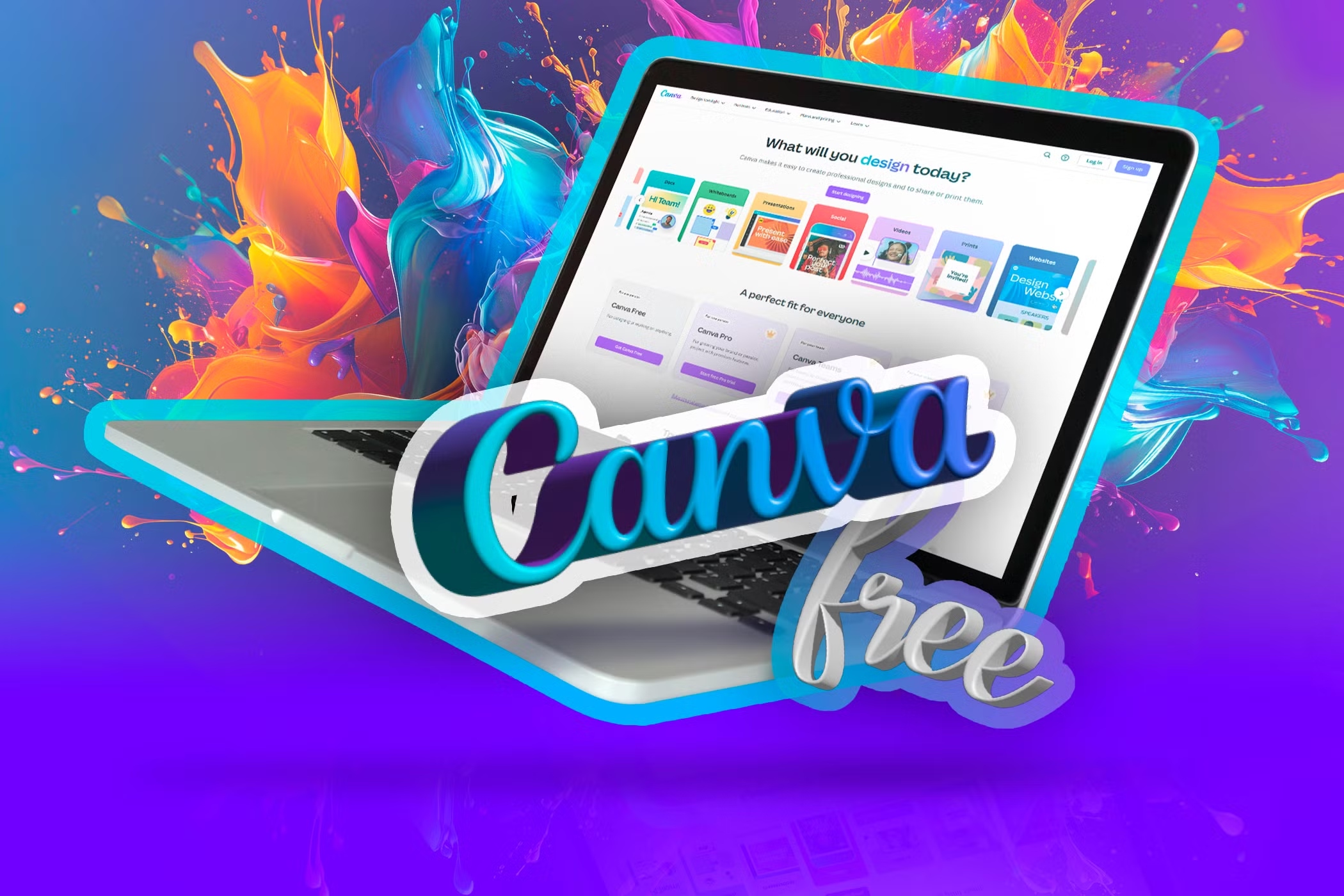
Canva design workspace