
Program Details

150+ Hours Instructor-Led Sessions
60+ Hours of Self-Paced Videos
200+ Hands-On Exercises
175+ Hours of Learning
10+ Real-World Projects
Well Structured Curriculum
30+ Hours of Problem-Solving Sessions
Numrous Hackathons and Mock Interviews
25+ Auto-Graded Assessments
30+ Hours of Career Coaching

Master UI/UX Design Tools

Industry-standard tools used by design professionals worldwide

FigmaFigma
Adobe XDAdobe XD
SketchSketch
IllustratorIllustrator
InVisionInVision
Pricing Plans

Our Comprehensive & Training Options Pricing Plans

Standard Plan

One-Time Payment

35k+GST

Trainings + Tool access (Life time) + Internal projects

Choose Package
Value Add Plan

Partial Payment

50k+GST

+ + Stipend

Choose Package
Comprehensive Plan

Advance Package

80k+GST

+ + Laptop

Choose Package
Premium Plan

Complete Package

99k+GST

+ + Placement Support

Choose Package
Design Mastery

Become a UI/UX Design Expert

step 01
Design Principles

Master visual hierarchy, typography, color theory, and composition fundamentals.

step 02
User Research

Learn interview techniques, surveys, personas, and analyzing user needs.

step 03
Wireframing & Prototyping

Create low-fidelity wireframes and interactive prototypes for user testing.

step 04
UI Design Tools

Master industry tools like Figma, Sketch, and Adobe XD for interface design.

step 05
Interaction Design

Design intuitive micro-interactions, animations, and state transitions.

step 06
Usability Testing

Conduct effective user tests, analyze results, and iterate designs.

step 07
Design Systems

Create scalable design systems with components, patterns, and documentation.

step 08
UX Strategy

Align design with business goals through metrics, roadmaps, and stakeholder management.

Learning Path

Your UI/UX Design Journey with Figma

Design Foundations

  • UI/UX Principles & Fundamentals
  • Figma Interface Basics
  • Color Theory & Typography
  • Design Systems Introduction

Wireframing & Prototyping

  • Low-Fidelity Wireframing
  • Interactive Prototypes
  • Smart Animate Features
  • Micro-interactions
  • User Flow Design

Advanced Figma Techniques

  • Component Properties & Variants
  • Auto Layout & Constraints
  • Variables & Design Tokens
  • Plugins & Community Resources
  • Developer Handoff & Specs

Collaboration & Workflow

  • Real-Time Team Collaboration
  • Version Control & Branching
  • Design System Management
  • Figma Organization & Libraries
  • Prototype User Testing

Portfolio & Career

  • Case Study Development
  • Behance & Dribbble Setup
  • Client Presentation Skills
  • Freelance vs Agency Paths
  • Design Interview Prep

Design Skills You'll Master

Create professional UI designs using Figma.

Develop interactive prototypes with smart animate.

Apply UX principles to solve real user problems.

Build responsive designs using auto layout.

Create and manage design systems with variables.

Conduct user research and usability testing.

Collaborate in real-time with team members.

Prepare designs for developer handoff with specs.

Build a professional design portfolio.

UI/UX design process
Design Program

UI/UX Design Bootcamp Syllabus

Module 1: UI/UX Design Fundamentals

  • Principles of user-centered design
  • Color theory and typography
  • Information architecture
  • Wireframing techniques
  • Figma interface basics

  • Advanced prototyping with smart animate
  • Component properties and variants
  • Auto layout and responsive design
  • Interactive components
  • Plugins and community resources

  • Creating scalable design systems
  • Styles, tokens, and variables
  • Real-time team collaboration
  • Developer handoff with Figma
  • Version history and branching

  • User research methodologies
  • Creating user personas
  • Usability testing with Figma prototypes
  • Analyzing and implementing feedback
  • Accessibility standards and contrast checks

  • Creating case studies with Figma
  • Showcasing Figma projects
  • Building a Behance/Dribbble presence
  • Freelance vs agency preparation
  • Design interview techniques
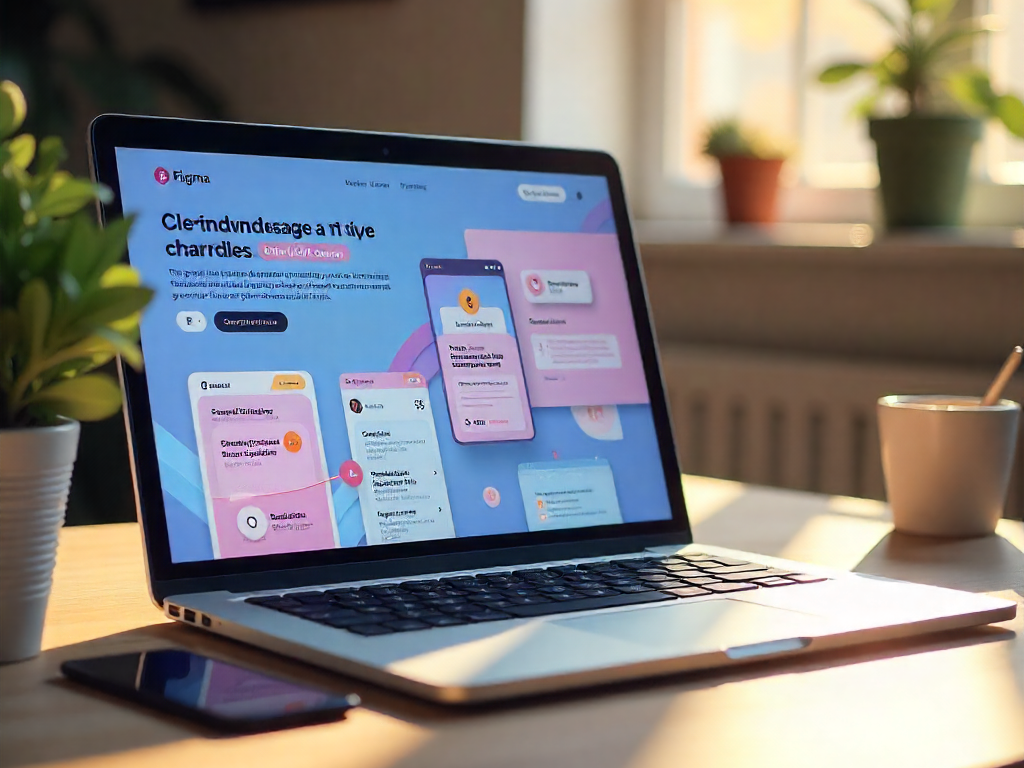
Figma workspace
UI/UX Fundamentals

Essential UI/UX Design Questions

What's the difference between UI and UX design?

Key Differences:

  • UI (User Interface): Focuses on visual design elements (buttons, typography, color schemes)
  • UX (User Experience): Concerned with overall user flow, functionality, and ease of use
  • UI is about how it looks: Aesthetics and visual hierarchy
  • UX is about how it works: User research, wireframing, and usability testing

Both work together to create successful digital products.

Effective UI design follows these fundamental principles:

PrincipleDescriptionExample
ClarityElements should be self-explanatoryClear button labels, intuitive icons
ConsistencyUniform design patterns throughoutSame button styles, consistent spacing
FeedbackVisual response to user actionsButton states (hover, active)
HierarchyVisual organization of importanceHeadings vs body text sizing

User research is the foundation of successful UX design:

  • Identifies real user needs: Not just assumptions
  • Reduces development costs: Catch issues early
  • Improves conversion rates: By understanding user behavior
  • Common methods: Surveys, interviews, usability testing, analytics

Projects without proper research have 70% higher failure rates.

The UX Design Process:

  1. Research: Understand users and business goals
  2. Analysis: Create personas and user journeys
  3. Wireframing: Low-fidelity structure planning
  4. Prototyping: Interactive mockups for testing
  5. Testing: Validate with real users
  6. Implementation: Work with developers
  7. Iteration: Continuous improvement

Essential UI/UX Design Tools:

  • Design: Figma, Adobe XD, Sketch
  • Prototyping: InVision, ProtoPie
  • User Research: Hotjar, UserTesting
  • Wireframing: Balsamiq, Whimsical
  • Collaboration: Miro, FigJam

Figma is currently the most in-demand tool (used by 75% of teams).

UI/UX design team working together